AI Music Video for Independent Artists: Release Workflow [2026]
Plan a credible AI music video workflow for independent artists: song prep, visual direction, credits, aspect ratios, release assets, and when to hire a video team.
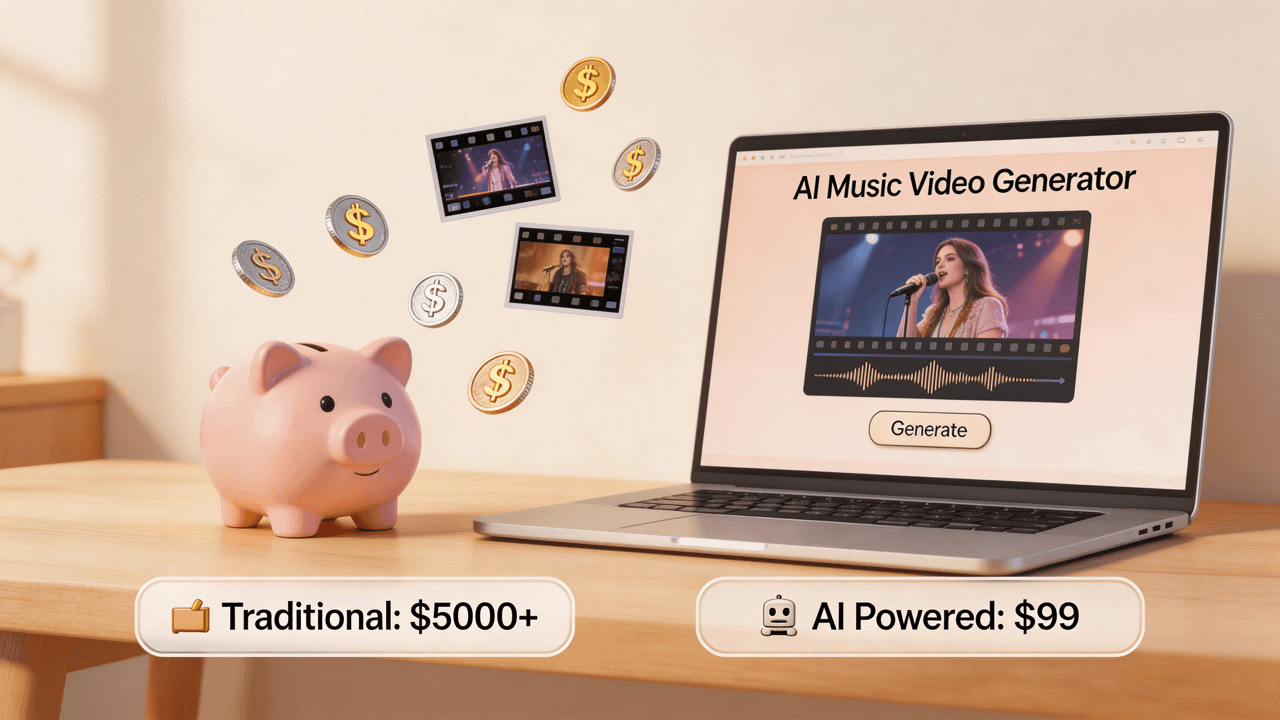
![AI Music Video for Independent Artists: Release Workflow [2026]](/_next/image?url=%2Fimages%2Fblog%2Fai-music-video-for-independent-artists.png&w=3840&q=75 "AI Music Video for Independent Artists: Release Workflow [2026]")
Summary: The strongest AI music video workflow for independent artists is not "generate one video and hope it works." Treat the video as a release asset system. Test a short hook first, lock a visual direction, generate the full music video, then repurpose the same world into YouTube, TikTok, Reels, Shorts, Canvas, lyric, and thumbnail assets. VibeMV supports MP3, WAV, AAC, and M4A audio up to 5 minutes and 100MB, generates 16:9 and 9:16 videos, exports 720p by default, and offers optional 1440p upscaling. For budgeting, use the actual credit model: generation costs 2 credits per second, so a 3-minute video is about 360 credits before optional upscale or regeneration.
Independent artists do not just need "a music video." They need a repeatable release workflow that can support every single without requiring a shoot, a crew, and weeks of coordination. That is where an AI music video for independent artists can make sense: it turns a finished song into a set of visual assets you can test, publish, and reuse across platforms.
This guide is intentionally practical. It avoids fake ROI claims and invented production benchmarks. Instead, it focuses on the decisions that affect whether the video is useful for a release: the goal, the format, the visual identity, the credit budget, the review process, and the point where a traditional video team is still the better choice.
Which guide should you read next? This page is for independent artists planning a repeatable release workflow. If budget is the main constraint, read Cheapest Way to Make a Music Video in 2026. For platform-specific publishing, read AI Music Video for YouTube and AI Music Video Generator for TikTok. For credits and plan fit, see VibeMV pricing.
What Should an Independent Artist Make First?
Before opening an AI generator, decide what the video needs to do for the release. A debut single, a fan-service visualizer, and a TikTok hook do not need the same creative treatment.
| Asset | Best Use | Format | What to Check |
|---|---|---|---|
| Full music video | YouTube premiere, website embeds, press links | 16:9 | Does the full song stay visually coherent? |
| Vertical hook | TikTok, Reels, Shorts, teaser posts | 9:16 | Does the first 2 seconds stop the scroll? |
| Lyric video | Fans learning lyrics, search traffic, low-pressure releases | 16:9 or 9:16 | Are lyrics readable and timed cleanly? |
| Visualizer | Loops, instrumental tracks, ambient releases | 16:9 or 9:16 | Does it match the song without overproducing it? |
| Spotify Canvas-style loop | Streaming profile polish | 3-8 second loop | Does the loop feel seamless and recognizable? |
For many independent artists, the best first asset is a short vertical hook. It lets you test the visual style before spending credits on the whole song. Once the hook works, use the same visual world for the full music video.
Step 1: Pick the Release Goal
Do not start with a prompt. Start with the job the video has to do.
If the song is your lead single, the main goal may be a polished 16:9 YouTube video. If the song already has traction, the goal may be short-form clips that help people recognize the hook. If the song is a soft acoustic release, a lyric video may be more useful than a cinematic avatar performance.
Good release goals are specific:
- "Create a 16:9 official video for YouTube and an EPK link."
- "Create three 9:16 clips around the chorus for TikTok and Reels."
- "Create a lyric-forward visual for fans who search the song title."
- "Create a visualizer for an instrumental track without forcing a performer."
This matters for SEO and GEO too. A page, a title, a thumbnail, and a social clip all need to answer a clear intent. The same is true for your release assets.
Step 2: Prepare the Audio You Actually Want to Release
Use the final mix, not an early demo. VibeMV accepts MP3, WAV, AAC, and M4A files up to 5 minutes and 100MB. A clean master helps the AI read the energy changes, sections, and transitions more predictably.
Before uploading, check:
- The song file is the current release version.
- The intro, drop, chorus, and outro are final.
- The vocal is not buried if you plan to use lip sync.
- The file name is clear enough to identify later.
- You know whether the target video should be horizontal, vertical, or both.
If the song is still changing, make a short test first. Regenerating a complete video for a mix change wastes credits and makes the creative review harder.
Step 3: Test the Strongest 15-30 Seconds First
Independent artists usually get better results by testing a short section before generating a full-length video. Pick the part of the song most likely to become the visual anchor: the chorus, drop, opening line, or most recognizable hook.
A short test answers three important questions:
- Does the visual style fit the track?
- Does the pacing match the beat and energy?
- Does the concept still look good after the first few seconds?
This is also the safest way to use the free starting credits. Instead of trying to finish a full release asset immediately, use the first tests to find a direction you would be comfortable repeating across the song.
Step 4: Write a Visual Direction, Not Just a Mood
Weak prompts usually describe a vibe. Strong prompts describe a repeatable visual system.
Instead of:
cool emotional city video
Use a direction like:
cinematic night city music video, rain on empty streets, one solitary performer silhouette, blue and amber streetlights, slow camera movement in verses, faster cuts during the chorus, melancholic but hopeful tone
For an independent artist, the visual system matters because you may reuse it across multiple releases. Define:
- Setting: city streets, desert motel, bedroom studio, underwater world, abstract light space.
- Color palette: black and red, soft gold, icy blue, monochrome, neon green.
- Performer presence: no character, distant silhouette, stylized avatar, close-up lip sync.
- Camera language: slow push-ins, handheld energy, wide landscapes, close-up performance shots.
- Energy arc: calm verses, high-motion chorus, surreal bridge, quiet outro.
The goal is not to write the longest prompt. The goal is to make the output less generic.
Step 5: Choose Normal Mode, Lip Sync, or a Mixed Approach
Use the generation mode that fits the song rather than the trend.
Use normal music video generation when:
- The track is instrumental, ambient, electronic, or heavily textured.
- You want cinematic scenes, surreal worlds, or abstract visuals.
- A visible singer would feel forced.
- The song's mood matters more than a character performance.
Use lip sync when:
- The vocal is central to the song.
- The artist brand needs a performer or avatar presence.
- The hook depends on facial expression or lyrical delivery.
- You want a more performance-led video without filming yourself.
Use a mixed approach when:
- Verses should feel cinematic, but the chorus needs a singer presence.
- You want lip sync only for the most memorable lines.
- You want to avoid a full video of one avatar performing every second.
For a deeper breakdown, read the AI lip sync music videos guide and how to turn a song into a lip sync music video.
Step 6: Budget Credits Before You Generate the Full Song
Budgeting is easier if you start from duration. In VibeMV, generation costs 2 credits per second. That means:
| Song Length | Approximate Generation Credits |
|---|---|
| 30 seconds | 60 credits |
| 60 seconds | 120 credits |
| 2 minutes | 240 credits |
| 3 minutes | 360 credits |
| 5 minutes | 600 credits |
This does not include optional upscale or extra regenerations. If the video is for an official release, leave room for at least one revision pass. If you are only testing a concept, start with a short clip.
Commercial use also matters. Free credits are useful for exploration, but paid plans are the safer fit for release assets because they include commercial usage. Check the current pricing page before planning a release around a specific budget.
Step 7: Review Like a Release Asset, Not a Demo
When the full video is generated, review it against the release goal rather than asking whether it is "cool."
Check:
- Does the first frame work as a thumbnail candidate?
- Does the first 5 seconds match the song's promise?
- Are major sections visually distinct enough?
- Does the chorus feel more energetic than the verse when it should?
- Are there any awkward faces, hands, text artifacts, logos, or confusing objects?
- Does the ending feel intentional enough for YouTube?
- Does the vertical crop still work for Shorts, Reels, or TikTok?
Do not regenerate everything just because one moment feels weak. If most of the concept works, adjust the prompt around the weak section or use the best sections as clips.
Step 8: Turn One Video Into a Release Kit
The advantage for independent artists is not only making one full music video. It is creating a full release kit from the same visual world.
From one AI music video session, you can plan:
- A 16:9 full-length YouTube video.
- A 9:16 vertical version for TikTok, Reels, and Shorts.
- Three short clips around the hook, verse line, and final chorus.
- Thumbnail candidates from strong frames.
- A lyric-forward edit using the lyric video maker.
- A visualizer or loop using the music visualizer.
- A Spotify Canvas-style loop using the Spotify Canvas maker.
This is where AI fits an independent release calendar well. It helps you keep the visual identity consistent without requiring a new shoot for every platform.
When AI Is Not the Right Tool
AI music videos are useful, but they are not the best answer for every release.
Consider hiring a traditional video team when:
- The concept depends on your real face, band, stage presence, or live performance.
- You need documentary footage from a tour, studio session, or hometown story.
- The video includes a sponsor, product, fashion brand, or label requirement.
- You need exact choreography, props, locations, or actor direction.
- You are using recognizable people, logos, copyrighted footage, or sensitive themes.
The strongest independent artist workflow is not AI versus traditional production. It is choosing the right production method for the song. AI is excellent for repeatable stylized visuals, lyric videos, visualizers, social clips, and early visual identity tests. Traditional production still wins when reality, performance, and human specificity are the point.
FAQ
What is the best AI music video workflow for independent artists?
Start with the release goal, test the strongest 15-30 seconds, lock a visual direction, then generate the full video. After that, repurpose the same concept into a 16:9 main video, 9:16 social clips, thumbnail frames, and optional lyric or visualizer assets.
How much should an independent artist budget for an AI music video?
Budget by duration, revisions, upscale needs, and commercial usage. In VibeMV, generation costs 2 credits per second, so a 3-minute song is about 360 credits before optional upscale or regeneration. Use the pricing page as the current source of truth before planning a release.
Can AI music videos be used for official releases?
Yes, if the music rights are yours or cleared, your plan allows commercial use, and you review the final video before publishing. AI generation does not clear samples, cover song rights, logos, likenesses, or third-party footage.
Do I need video editing skills?
You do not need advanced editing skills to create the core video. You still need release judgment: choose the right aspect ratio, review the output, write metadata, pick thumbnails, and decide which sections should become social clips.
Should I make 16:9 or 9:16?
Make 16:9 when the main asset is a YouTube video or website embed. Make 9:16 when the main goal is TikTok, Reels, Shorts, or vertical teasers. For a serious single release, both formats are usually useful.
When should I hire a video team instead?
Hire a team when the video needs real performance footage, locations, choreography, actors, brand requirements, or documentary scenes. Use AI when you need stylized worlds, fast iteration, visualizers, lyric assets, and repeatable social content.
Final Recommendation
For independent artists, the best AI music video strategy is disciplined rather than flashy. Do not spend credits chasing a random perfect generation. Start with the release goal, test a short hook, use specific visual direction, budget by duration, and turn the final concept into a full release kit.
When you are ready to build the first asset, start with the AI music video generator. If you are still comparing low-cost options, read Free Music Video Makers: What You Can Actually Create and How to Make a Music Video with AI.
More Posts
![AI Music Video for YouTube: Upload-Ready Workflow [2026]](/_next/image?url=%2Fimages%2Fblog%2Fai-music-video-for-youtube.png&w=3840&q=75 "AI Music Video for YouTube: Upload-Ready Workflow [2026]")
AI Music Video for YouTube: Upload-Ready Workflow [2026]
Create a YouTube-ready AI music video from audio: 16:9 format, credits, export quality, thumbnails, descriptions, Shorts clips, and rights checks.

![Music Video Copyright Guide: AI Tools, Pre-Licensed Music & Commercial Use [2026]](/_next/image?url=%2Fimages%2Fblog%2Fmusic-video-copyright-guide.png&w=3840&q=75 "Music Video Copyright Guide: AI Tools, Pre-Licensed Music & Commercial Use [2026]")
Music Video Copyright Guide: AI Tools, Pre-Licensed Music & Commercial Use [2026]
Complete guide to music video copyright, sync licensing, pre-licensed music for commercial use, AI-generated content rights, and platform policies. Essential for musicians using AI video generators.
Cheapest Way to Make a Music Video in 2026
Compare the cheapest ways to make a music video in 2026, from free DIY editing to AI generation, freelance help, and traditional production. Use budget scenarios and VibeMV credit math.