VibeMV Pro Models: OmniHuman-1.5 Lipsync & Kling V3 Pro Explained
VibeMV now offers two model tiers. Learn how OmniHuman-1.5 and Kling V3 Pro deliver full-body lipsync and cinematic video quality — and when the upgrade is worth it.
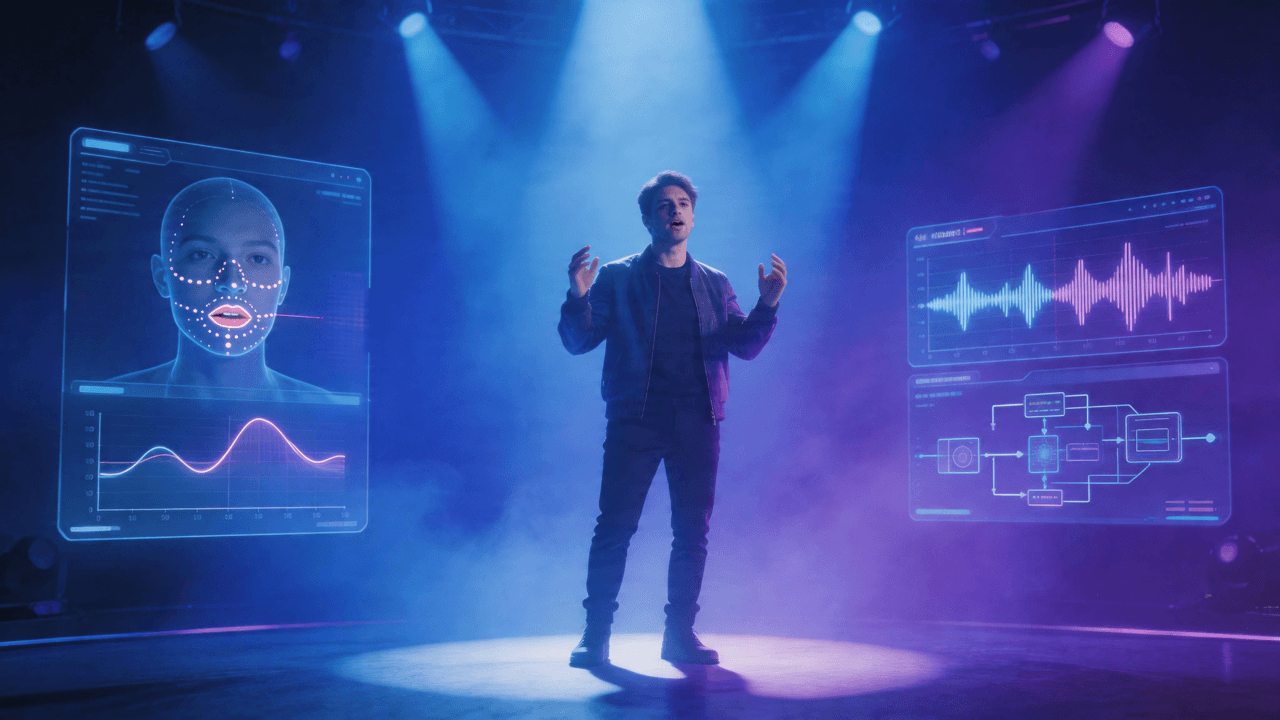
VibeMV now offers two model tiers for AI music video generation: Base (2 credits/second) and Pro (12 credits/second). Base uses Wan 2.1 S2V for lipsync and Seedance-1.5-Pro for normal video — fast, cost-effective, and good for most use cases. Pro uses OmniHuman-1.5 for lipsync and Kling V3 Pro for normal video — delivering full-body emotional performance and cinematic visual quality that approaches broadcast standards. You choose per segment, so you can mix tiers in the same video. This guide explains what each model does, the real quality differences, and when the upgrade is worth the cost.
Key Takeaways
- Pro lipsync (OmniHuman-1.5) generates full-body emotional performances — gestures, micro-expressions, head movement — not just mouth sync
- Pro video (Kling V3 Pro) produces HDR-grade cinematic quality at 1080p, rated #1 on independent benchmarks
- Pro costs 6x more credits (12 cr/s vs 2 cr/s) — a 3-minute video is 2,160 credits vs 360
- You can mix Base and Pro per segment — use Pro for vocal sections, Base for instrumentals, and save 20-65%
- Base still wins for anime/animation styles where Seedance outscores Kling by +12.3 points
- Any subscription plan can use Pro — it's about credit cost, not plan level
What Changed: VibeMV's New AI Model Tiers
VibeMV's AI music video generator launched with a single model tier optimized for speed and affordability. As the AI video generation landscape matured, two models emerged that significantly outperform the originals for music video production:
- OmniHuman-1.5 (ByteDance) — an audio-driven avatar system trained on 18,700 hours of human motion data
- Kling V3 Pro (Kuaishou) — the top-ranked video generation model on independent benchmarks
Rather than replacing the existing models and raising prices for everyone, we added these as an optional Pro tier. You choose quality versus cost on a per-segment basis.
The Two Tiers at a Glance
| Base (2 cr/s) | Pro (12 cr/s) | |
|---|---|---|
| Lipsync Model | Wan 2.1 S2V | OmniHuman-1.5 |
| Normal Model | Seedance-1.5-Pro | Kling V3 Pro |
| Lipsync Quality | Accurate mouth sync | Full-body emotional performance |
| Video Quality | 720p, functional lighting | 1080p, HDR-grade cinematic |
| Max Segment (Lipsync) | 12 seconds | 30 seconds |
| Max Segment (Normal) | 12 seconds | 15 seconds |
| Best For | Drafts, testing, instrumentals, budget projects | Final releases, vocal sections, close-ups |
| 30s clip cost | 60 credits | 360 credits |
OmniHuman-1.5: Why Pro Lipsync Is Different
What Base Lipsync Does
Base tier lipsync (Wan 2.1 S2V) analyzes your audio and synchronizes mouth movement to the vocal track. It handles standard singing tempos well and produces clean, usable output for most genres. The character's mouth opens and closes in time with the words.
But the rest of the body stays relatively static. Head movement is minimal. Hands don't gesture. The overall effect is functional — the mouth matches the audio — but the character can feel "puppeted."
What Pro Lipsync Does
OmniHuman-1.5 was trained on 18,700 hours of real human motion data. Instead of just mapping audio to mouth positions, it generates a full performance:
- Micro-expressions that respond to the emotional tone of the audio — not just the phonemes
- Hand and arm gestures synchronized to speech cadence and musical emphasis
- Head tilts and shoulder movement that follow natural human motion patterns
- Emotional body language that shifts with the energy of the track
The result is a character that feels like they're actually performing the song, not just mouthing along to it.
Technical Specs
| Spec | Base (Wan 2.1 S2V) | Pro (OmniHuman-1.5) |
|---|---|---|
| Sync accuracy | High (mouth-level) | High (full-body) |
| Max segment duration | 12 seconds | 30 seconds |
| Output resolution | 720p | Up to 1080p |
| FPS | 25 | 24 |
| Body motion | Minimal | Full-body gestures |
| Emotional expression | Limited | Audio-responsive |
| Training data | N/A (public) | 18,700 hours human motion |
When OmniHuman Matters Most
The quality gap is most visible in:
- Close-up shots — facial micro-expressions are immediately noticeable at larger frame sizes
- Emotional vocal performances — ballads, R&B, and acoustic tracks where the singer's expression should match the emotional arc
- Rap with physical energy — hand gestures and body movement that match the intensity of delivery
- Content for YouTube or Spotify — where viewers expect higher production quality and will watch on larger screens
For instrumental sections, abstract visuals, or quick social media clips, Base lipsync is usually sufficient. For a detailed breakdown of when to use each tier, see our Base vs Pro decision guide.
Kling V3 Pro: Why Pro AI Video Quality Is Different
What Base Video Does
Base tier normal video (Seedance-1.5-Pro) generates 720p video at 24fps with solid motion coherence. It handles a wide range of visual styles and produces good results for most content types. Seedance is particularly strong for animation and stylized content.
What Pro Video Does
Kling V3 Pro is rated #1 on the Artificial Analysis 1080p Pro benchmark with an overall score of 62.0 versus Seedance's 53.0. The biggest improvements:
- HDR-grade lighting — highlights and shadows have natural gradation instead of flat rendering
- Character detail at 1080p — faces and hands remain sharp and coherent at full resolution
- Lighting consistency across cuts — critical for music videos with multiple scenes that need to feel like a cohesive piece
- Human character rendering — Kling scores +13 points higher than Seedance specifically on human figures
Technical Specs
| Spec | Base (Seedance-1.5-Pro) | Pro (Kling V3 Pro) |
|---|---|---|
| Resolution | 720p | 1080p |
| Max segment duration | 12 seconds | 15 seconds |
| FPS | 24 | 24 |
| Benchmark score | 53.0 | 62.0 |
| Human character score | Baseline | +13.0 advantage |
| Lighting quality | Functional | HDR-grade |
| Best for | Animation, stylized | Photorealistic, cinematic |
Where Seedance Still Wins
Seedance-1.5-Pro scores higher than Kling V3 Pro in two specific categories:
- Animation content (+2.8 advantage) — cartoon and stylized visuals
- Anime-specific content (+12.3 advantage) — if your music video uses anime aesthetics
If your visual style is heavily animated or anime-influenced, Base tier may actually produce better results for normal (non-lipsync) segments.
Credit Cost Breakdown
Understanding the math helps you budget effectively:
| Video Length | Base Cost | Pro Cost | Mixed Strategy* |
|---|---|---|---|
| 30 seconds | 60 cr | 360 cr | ~210 cr |
| 1 minute | 120 cr | 720 cr | ~420 cr |
| 2 minutes | 240 cr | 1,440 cr | ~840 cr |
| 3 minutes | 360 cr | 2,160 cr | ~1,260 cr |
| 4 minutes | 480 cr | 2,880 cr | ~1,680 cr |
*Mixed strategy assumes 50% of segments on Pro (vocals) and 50% on Base (instrumentals). Actual cost varies by your song's vocal-to-instrumental ratio.
How This Maps to Plans
| Plan | Credits/Month | Full Base MV (3 min) | Full Pro MV (3 min) | Mixed MVs (3 min) |
|---|---|---|---|---|
| Free | 50 | ~8 sec test | ~4 sec test | — |
| Hobby ($19/mo) | 600 | 1.6 videos | 0.27 videos | ~0.47 videos |
| Pro ($49/mo) | 1,700 | 4.7 videos | 0.78 videos | ~1.3 videos |
| Studio ($99/mo) | 3,800 | 10.5 videos | 1.75 videos | ~3 videos |
The Hobby plan gives you enough credits for approximately one complete 3-minute music video on Base per month, or about one mixed-tier video every two months on Pro. The Studio plan comfortably supports regular Pro-tier production.
Recommended Workflows
The Draft-Then-Upgrade Workflow
The most cost-effective approach for most creators:
- Generate your full video on Base tier — preview the complete result, check timing and style
- Identify the money shots — which segments need the quality upgrade? (Usually vocal close-ups and hero moments)
- Re-generate only those segments on Pro — swap the model tier on 2-4 key segments
- Keep Base for the rest — instrumental sections, transitions, and background scenes don't need Pro quality
This workflow typically costs 40-60% less than generating everything on Pro while keeping Pro quality where viewers actually notice it.
The All-Pro Workflow
For artists releasing official music videos on YouTube or streaming platforms where quality is non-negotiable:
- Generate everything on Pro from the start
- Iterate on Pro — since Pro output is the final quality, you avoid the "it looked different on Base" problem
- Budget accordingly — Studio plan recommended for regular Pro production
The Strategic Mix
For creators who want to maximize their credits:
- Lipsync segments → Pro (OmniHuman's emotional performance is the biggest quality jump)
- Normal/instrumental segments → Base (Seedance handles non-character visuals well)
- Ratio: Most songs are roughly 60% vocal, 40% instrumental — this split alone saves ~40% compared to all-Pro
How to Switch Between Tiers
Switching between Base and Pro happens in the timeline editor:
- Open your project and navigate to the timeline
- Each segment (shot card) shows a Base/Pro toggle
- Click the toggle to switch — the credit cost updates immediately
- Base shows as a simple button; Pro shows with a gradient and sparkle icon
- Generate — each segment uses its selected tier independently
You can change tiers at any point before generating, even after previewing on Base.
Frequently Asked Questions
What are VibeMV's Pro models?
VibeMV Pro tier uses OmniHuman-1.5 for lipsync (full-body emotional performance with gestures and micro-expressions) and Kling V3 Pro for normal video (HDR-grade cinematic quality rated #1 on independent benchmarks). Pro costs 12 credits per second versus 2 credits per second for Base.
How much does Pro cost compared to Base?
Pro models cost 12 credits per second, while Base models cost 2 credits per second — a 6x difference. A 30-second lipsync clip costs 60 credits on Base or 360 credits on Pro. You can mix Base and Pro segments in the same video to control costs.
Can I use Pro models on any subscription plan?
Yes. Pro model access is not locked to a specific subscription tier. Any plan (including Free) can use Pro models — you just spend more credits per second. The choice is per-segment, so you can use Pro only on the segments that matter most.
What is OmniHuman-1.5?
OmniHuman-1.5 is ByteDance's audio-driven avatar generation model trained on 18,700 hours of human motion data. Unlike basic lipsync that only moves the mouth, OmniHuman generates full-body motion — hand gestures, shoulder movement, head tilts, and micro-expressions that respond to the emotional tone of your audio.
What is Kling V3 Pro?
Kling V3 Pro is Kuaishou's latest video generation model, rated #1 in the Artificial Analysis 1080p Pro benchmark category. It produces HDR-grade lighting, sharp character detail at full 1080p, and maintains visual consistency across multi-shot sequences — critical for music videos with multiple scenes.
When should I use Base vs Pro?
Use Base for drafts, testing ideas, instrumental sections, and budget-conscious projects. Use Pro for final releases, vocal-heavy sections where lipsync quality matters, close-up shots, and any content going to YouTube or Spotify. Many creators use Base for the full video first, then re-generate key segments on Pro.
Can I mix Base and Pro in the same music video?
Yes. VibeMV lets you select the model tier per segment. A common workflow is using Pro for vocal/lipsync segments and Base for instrumental/normal segments — cutting total cost significantly while keeping high quality where it matters.
What are the technical differences between Base and Pro lipsync?
Base lipsync (Wan 2.1 S2V) synchronizes mouth movement to audio with accurate timing at up to 12 seconds per segment. Pro lipsync (OmniHuman-1.5) adds full-body motion, emotional micro-expressions, hand gestures, and head movement synchronized to audio tone — up to 30 seconds per segment at 1080p.
Next Steps
- Try it yourself: Open the AI music video generator and toggle the Pro switch on a vocal segment to compare
- Not sure which tier? Read our Base vs Pro decision guide for scenario-by-scenario recommendations
- New to VibeMV? Start with our complete guide to making music videos with AI
- Learn about lipsync: How AI lip-sync works in music videos
- Compare tools: Best AI music video generators in 2026
- See pricing: VibeMV plans and credit packages
- Cover songs? How to make AI music videos for cover songs
More Posts
![Audio to Video AI: Complete Guide to Converting Sound into Visuals [2026]](/_next/image?url=%2Fimages%2Fblog%2Faudio-to-video-ai-guide.png&w=3840&q=75 "Audio to Video AI: Complete Guide to Converting Sound into Visuals [2026]")
Audio to Video AI: Complete Guide to Converting Sound into Visuals [2026]
Turn any audio file into video with AI. Covers music videos, podcast clips, visualizers, and audio-video sync — with tool comparisons, workflows, and pricing for each use case.

How to Make a Music Video in 2026: Complete Beginner's Guide
Learn how to make a music video with AI, phone footage, or a traditional production workflow. Compare methods, budgets, formats, and next steps for YouTube, TikTok, and Instagram.
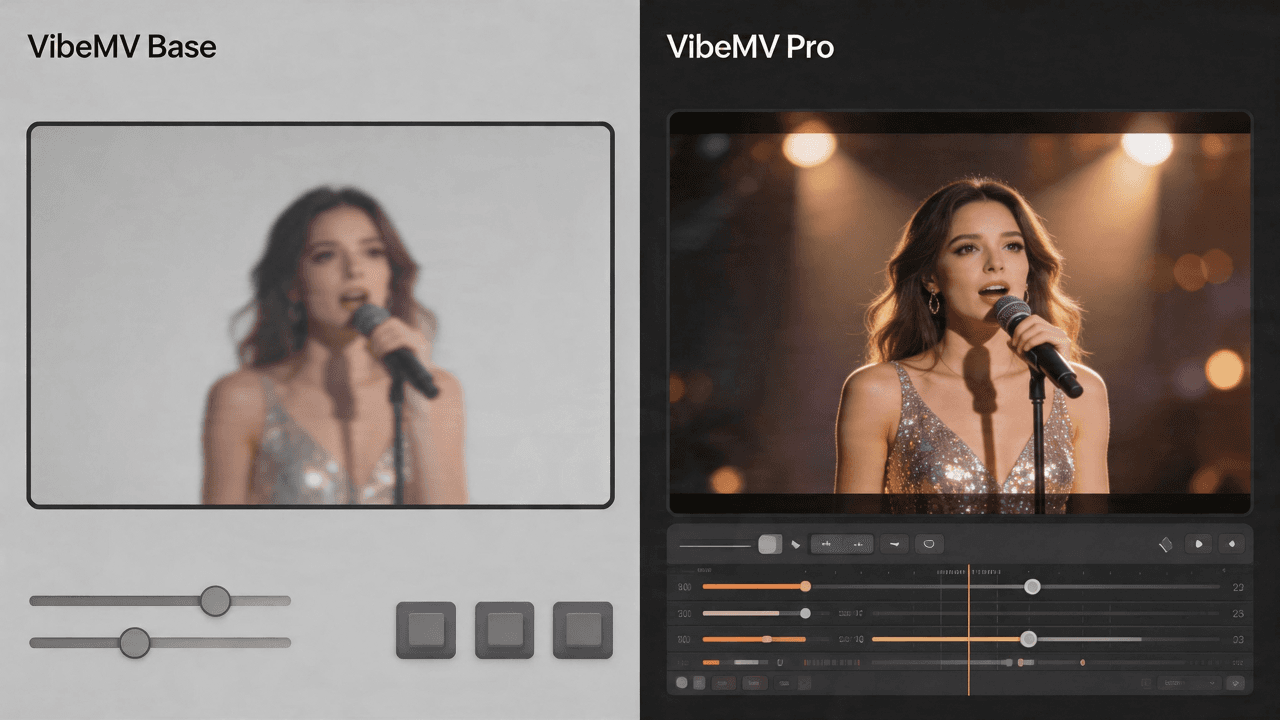
VibeMV Base vs Pro: Which Model Tier Should You Choose?
Not sure if VibeMV Pro is worth 6x the credits? This guide breaks down exactly when Base is enough and when Pro makes a visible difference — with real cost examples.