How to Make a Music Video in 2026: Complete Beginner's Guide
Learn how to make a music video with AI, phone footage, or a traditional production workflow. Compare methods, budgets, formats, and next steps for YouTube, TikTok, and Instagram.
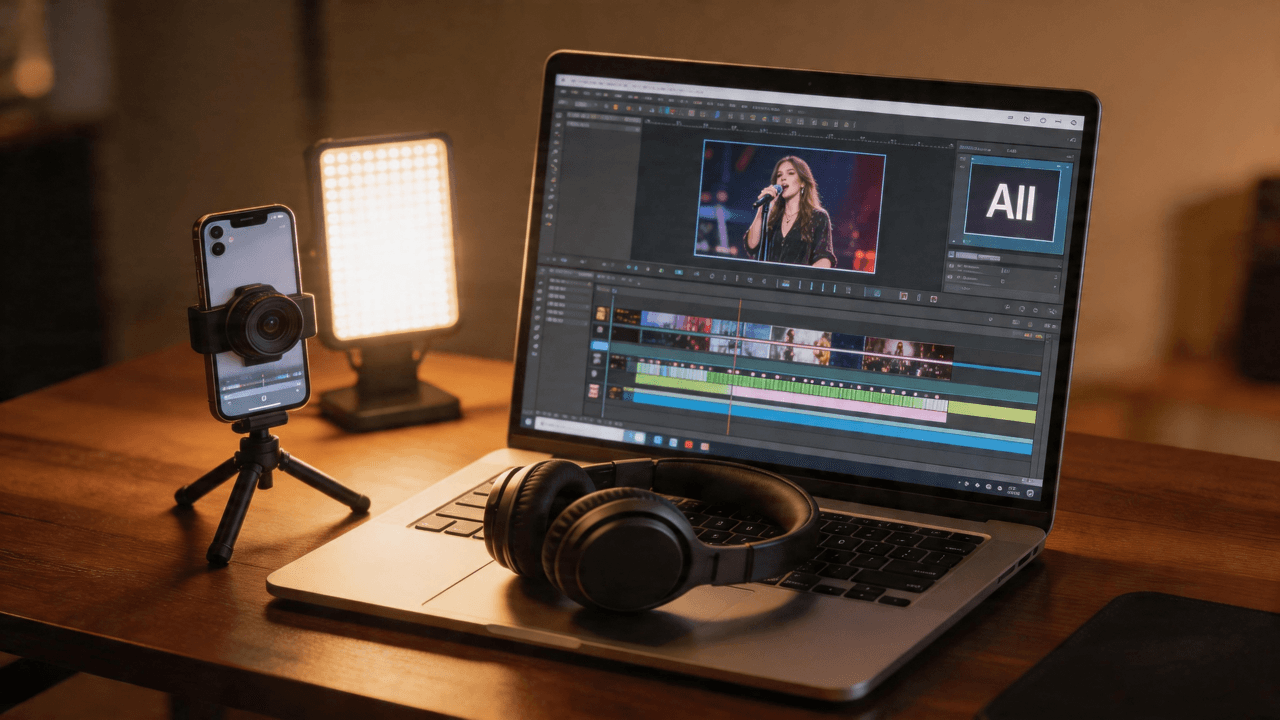
Summary: To make a music video in 2026, choose between three practical paths: AI generation from a finished song, phone/DIY filming with manual editing, or a traditional production team. AI is strongest when you want music-synced visuals without filming. Phone/DIY is strongest when real locations and personal performance matter. Traditional production is strongest when the concept needs a crew, actors, sets, lighting, or tight creative control. This guide explains each method, the tradeoffs, and the right export formats for YouTube, TikTok, Instagram Reels, and Spotify Canvas.
Making a music video used to mean hiring people, finding a location, shooting footage, and spending time in post-production. Those options still matter, but they are no longer the only path. In 2026, musicians can also start from a finished audio file and use AI to create synchronized visuals, then decide whether the result is enough for a social release, a YouTube upload, or a first visual draft.
This guide covers every method available to musicians today — whether you're wondering how do I make a music video, how to create a video for my song, or looking for DIY music video production methods. Whether you're making your first music video or your fiftieth, the right approach depends on your budget, timeline, and where you plan to publish.
Which guide should you read next? This is the broad beginner guide for AI, phone/DIY, and professional production. If you already know you want the AI-only workflow, read How to Make a Music Video with AI. If you are starting from an MP3 or WAV file, use AI Music Video from Audio File. If you are choosing a tool first, compare the best AI music video generators or the free AI music video generator options.
Key Takeaways
- Fastest starting point: AI generation, especially when the song is finished and you do not want to film.
- Lowest cash cost: Phone footage plus free editing apps, if you can spend the time shooting and editing.
- Most real-world control: Phone/DIY or traditional production, because you control locations, wardrobe, props, and performance.
- Most production control: A traditional team, when the song needs actors, sets, lighting, choreography, or a director-led concept.
- Best VibeMV fit: Full-song or short-form AI visuals from uploaded audio, especially when you need 16:9 and 9:16 versions.
- Platform requirements: YouTube = 16:9 horizontal, TikTok/Reels/Shorts = 9:16 vertical
- Rights still matter: A video workflow does not clear music rights, cover-song rights, sample rights, or third-party assets.
Three Ways to Make a Music Video
Method 1: AI-Generated (Best When You Have Finished Audio)
AI music video generators (automated tools that create synchronized visuals from audio files) analyze your track, detect beats and vocal sections, and generate a complete video without filming or editing.
How it works:
- Prepare your audio file. VibeMV supports MP3, WAV, AAC, and M4A, up to 100 MB, with song lengths from 3 seconds to 5 minutes.
- Choose the target format: 16:9 for YouTube or 9:16 for TikTok, Reels, and Shorts.
- Add any reference image, character direction, or style direction the tool supports.
- Let the system analyze beats, vocals, and song sections.
- Choose normal music-video mode, lip-sync mode, or a mix depending on whether vocals should appear on screen.
- Generate, review the result, and regenerate sections if the style, motion, or lip-sync needs adjustment.
- Export the final version. VibeMV defaults to 720p and offers optional 1440p upscale when you need a higher-resolution output.
Useful AI and editing options:
| Option | What it is best for | Tradeoff |
|---|---|---|
| VibeMV | Uploading finished audio and generating full music-video visuals in 16:9 or 9:16 | You still need to review outputs, manage credits, and handle rights. |
| AI video generators | Making short visual clips from prompts | Often needs manual assembly and audio syncing. |
| CapCut or mobile editors | Text, captions, templates, quick edits, and social cutdowns | You provide or assemble the footage yourself. |
VibeMV credit basics:
- VibeMV uses 2 credits per generated second.
- The free tier includes 50 one-time credits, enough to test a short section.
- Paid plans and credit packs are for longer songs, repeated generations, and higher-volume workflows.
- Upscaling and extra iterations can change the final credit and time budget, so check the pricing page before planning a release.
When to choose AI: You already have the song, you do not want to organize a shoot, you need both horizontal and vertical versions, or you want to test visual directions before paying for a larger production.
For a detailed AI platform comparison, see our guide to the best AI music video generators.
Method 2: Phone/DIY (Lowest Cash Cost, More Manual Work)
You can make a music video with just your smartphone. This method requires more time but gives you full creative control over real-world footage.
How to make a music video on iPhone (or Android):
- Plan your shots. Decide on 3-5 locations or setups. Sketch a simple shot list — you don't need a full storyboard, just a list of scenes.
- Set up your phone. Shoot in 4K at 30fps. Use a tripod or stabilizer ($15-$30 on Amazon). Shoot in 9:16 vertical for social media or 16:9 landscape for YouTube.
- Record to your track. Play your song through earphones while filming. Sing/perform along for lip-sync footage. This is how artists have made music videos since the dawn of MTV.
- Shoot more than you need. Film each scene 3-5 times. You'll pick the best takes in editing.
- Edit in CapCut or iMovie. Both are free. Import your footage, sync to your audio track, cut on beats, add transitions. CapCut's AI beat detection can auto-align cuts to your music.
- Color grade and export. Apply a consistent color treatment across all clips. Export as a high-quality MP4 in the best resolution your footage and platform workflow support.
Essential equipment (optional):
- Phone tripod or stabilizer
- Ring light or portable LED
- Simple props, wardrobe, or location permissions
- External microphone only if you also need behind-the-scenes audio
When to choose phone/DIY: You want real-world footage, you have interesting locations to film, or your visual concept requires specific physical props or settings that AI can't generate.
Method 3: Traditional Production (Most Control, Highest Coordination)
Professional music video production involves hiring a director, cinematographer, editor, and potentially actors, set designers, and location scouts.
The professional workflow:
- Write a treatment — a document describing your video's concept, visual style, and narrative. See our music video treatment guide.
- Hire the right team — this may include a director, producer, cinematographer, editor, stylist, choreographer, or VFX artist.
- Pre-production — location scouting, casting, wardrobe, equipment rental, call sheets, and schedule planning.
- Shoot day(s) — typically 1-2 days of filming.
- Post-production — editing, color grading, VFX, final mix. Budget 1-4 weeks.
- Delivery — multiple formats for YouTube, social media, and distribution.
Cost drivers:
- Crew size and shoot days
- Locations, permits, travel, and insurance
- Cast, wardrobe, props, and set design
- Camera, lighting, grip, and rental needs
- Editing, color, VFX, captions, and delivery formats
When to choose professional: You have budget, you want a specific creative vision that requires real locations and actors, or you're releasing a lead single that needs to make a strong impression. Many artists use AI for most releases and invest in professional production for key singles.
How to Make a Music Video for Each Platform
How to Make a Music Video for YouTube
YouTube remains the main home for full-length music videos. Plan the edit around:
- Aspect ratio: 16:9 horizontal
- Resolution: export the cleanest version your workflow supports; VibeMV defaults to 720p with optional 1440p upscale
- Duration: No limit — full-length (3-5 minutes) is standard
- Format: MP4, H.264
- Audio: High-quality stereo, matching your streaming release
YouTube-specific tips:
- Upload a custom thumbnail that shows the artist, mood, or strongest visual frame
- Include your artist name and song title in the video title
- Add a short description with credits, links, and release context
- Confirm that you control or have permission for the song, artwork, footage, samples, and any third-party assets
- Use a premiere only if you can actively promote it
For AI-generated YouTube music videos, use 16:9 format. VibeMV supports horizontal output for full-song uploads. See our YouTube-specific guide.
How to Make a Music Video for TikTok
TikTok works best when you treat the video as a vertical excerpt, not just a cropped version of the full YouTube edit.
- Aspect ratio: 9:16 vertical (mandatory)
- Resolution: 1080x1920
- Duration: choose the section that can stand alone, usually the hook, chorus, drop, or strongest lyric
- Format: MP4, H.264, AAC audio, under 72 MB
TikTok-specific tips:
- Start with a visual hook or recognizable lyric instead of a slow intro
- Use the best 15-30 seconds of your song, not the intro
- Make multiple cuts from the same song so you can test different sections
- Add captions, text overlays, or context when the clip needs it
- Review the clip on a phone before posting; small text and dark footage often fail on mobile
AI tools with native 9:16 support can reduce manual reformatting. For the complete TikTok workflow, see our TikTok music video guide.
How to Make a Music Video for Instagram Reels
Instagram Reels uses the same vertical format, but the edit should still feel native to Instagram:
- Aspect ratio: 9:16 vertical
- Duration: choose a short section with a clear visual idea; check the current app limit before export
- Format: Same as TikTok — MP4, 1080x1920
Instagram-specific tips:
- Use readable text and clear framing for mobile viewing
- Keep hashtags relevant instead of stuffing unrelated tags
- Use your released audio when possible so viewers can find the song
- Cross-promote by sharing the Reel to your feed and Stories when it supports the release plan
Spotify Canvas
Spotify Canvas (short looping video displayed during playback) is a special case:
- Duration: 3-8 seconds, looping
- Format: MP4, 9:16 vertical
- Content: Abstract or atmospheric visuals work better than lip-sync — Canvas doesn't sync to audio playback position
- Available through Spotify for Artists dashboard
How Much Does It Cost to Make a Music Video?
| Method | Cash cost | Time and coordination | Best fit |
|---|---|---|---|
| AI test (VibeMV free tier) | No cash cost for the first short test | Generation plus review | Testing style, lip-sync, and workflow on a short section |
| AI paid plan or credits | Depends on song length, credits, revisions, and upscale choices | Generation, review, and possible regeneration | Full-song or short-form AI visuals from finished audio |
| Phone/DIY | Can be no-cash if you already have a phone and free editor | Shooting, editing, sync, color, and export | Real locations, personal performance, low-cash releases |
| Template/mobile editor | Free or paid app plan | Manual assembly and editing | Lyric videos, social clips, captions, and cutdowns |
| Traditional production | Quoted project budget | Treatment, scheduling, shooting, post-production, delivery | Director-led concepts, actors, sets, choreography, and brand-level releases |
The practical starting point for music-video creation is lower than it used to be, but cost has not disappeared. AI reduces the need for filming and manual assembly. Phone/DIY reduces cash spend but increases your time investment. Traditional production costs more because it buys coordination, real footage, crew expertise, and creative control.
For more on budgeting, see our guide to the cheapest ways to make music videos.
How to Make a Good Music Video: Quality Tips
Regardless of which method you choose, three factors determine whether a music video feels intentional:
-
Visual consistency. Pick one aesthetic (color palette, lighting style, visual mood) and maintain it across every scene. Inconsistent visuals make even expensive footage feel unfinished.
-
Audio-visual synchronization. Cuts should land on musical moments. Lip-sync should match vocal delivery closely enough that it does not distract. AI tools can help with beat and section alignment; phone/DIY methods require manual editing.
-
Strong opening. Start with a moment that communicates the mood of the song quickly. That might be a face, a movement, a lyric, a location, or a striking AI visual. Avoid opening with a blank title card unless the concept depends on it.
Also check the rights side before publishing. Make sure you control the song, master recording, cover-song permissions, samples, artwork, footage, likenesses, fonts, and any third-party visual assets.
Frequently Asked Questions
How do you make a music video?
Start by choosing the production method that matches your song, budget, and control needs. AI generation is useful when you already have finished audio and want beat-synced visuals without filming. Phone/DIY works when you want real locations and can edit manually. Traditional production is best when you need a custom shoot, actors, sets, or a director-led concept.
How much does it cost to make a music video?
The cost depends on method, song length, revisions, and production scope. Free editing apps and phone footage can work for a simple DIY video. AI tools usually use plans or credits; VibeMV uses 2 credits per generated second, with 50 one-time free credits for testing. Traditional shoots vary widely because crew, locations, shoot days, props, edit time, and VFX all change the quote.
How to make a music video on iPhone?
Film in 4K at 30fps using the native Camera app. Use iMovie or CapCut for editing. Shoot in 9:16 vertical for TikTok/Reels or 16:9 for YouTube. For lip-sync, film yourself singing along to the track playing through earphones. Alternatively, upload your audio to VibeMV or another AI music-video tool to generate visuals without filming.
How to make a music video for YouTube?
Use a 16:9 horizontal edit, a clear custom thumbnail, and a title that includes the artist name and song title. You can generate 16:9 visuals with VibeMV, film and edit a live-action video, or combine both. Check your rights, metadata, and distribution setup before publishing; a video tool does not clear music ownership or platform rights for you.
How to make a music video for TikTok?
Use a 9:16 vertical edit and pick the strongest section of the song, usually the hook, drop, chorus, or most recognizable lyric. Start with a visual moment that makes sense without context. VibeMV can generate vertical AI visuals from your audio, while editors like CapCut are useful for text, captions, and platform-native edits.
How to make a good music video?
Three factors matter most: (1) visual consistency, so every scene feels like the same world; (2) audio-visual sync, so cuts and lip-sync support the song instead of distracting from it; and (3) a clear opening moment, so the viewer understands the mood quickly. AI can help with structure and sync, but you still need to review the result creatively.
Can I make a music video with AI?
Yes. VibeMV accepts MP3, WAV, AAC, and M4A files up to 100 MB, with song lengths from 3 seconds to 5 minutes. It can generate normal music-video visuals or lip-sync sections, export 16:9 or 9:16, and supports 720p by default with optional 1440p upscale. You still need to review the result, choose the right format, and make sure you have rights to the music and any assets you use.
How to make a music video with no budget?
Use your phone, free editing apps, and simple locations if you need a full no-cash workflow. You can also use VibeMV's 50 free credits to test a short AI-generated section, or use free tools for lyric-video and cover-art assets. A no-budget workflow can create demos and social clips, but a full release video may still need paid credits, better footage, editing time, or outside help.
How long does it take to make a music video?
AI generation removes the filming and manual assembly stage, but total time still depends on song length, queue time, revisions, upscaling, and review. A phone/DIY video can take hours or days depending on filming and editing. A traditional shoot can take days or weeks because it includes treatment writing, scheduling, filming, editing, and delivery.
Next Steps
Choose the method that matches your budget and timeline:
- Try AI first: Start with the AI music video generator — upload your audio and test a music-video workflow
- Compare AI tools: Best AI music video generators 2026
- Social media focus: Best AI platform for social media music videos
- Step-by-step AI tutorial: How to make a music video with AI
- TikTok specific: AI music video generator for TikTok
- YouTube specific: AI music video for YouTube
- Budget options: Cheapest ways to make music videos in 2026
- No equipment: Create music videos without filming equipment
- Cover songs: AI music video generator for cover songs
- See pricing: VibeMV plans and credits
More Posts
![Audio to Video AI: Complete Guide to Converting Sound into Visuals [2026]](/_next/image?url=%2Fimages%2Fblog%2Faudio-to-video-ai-guide.png&w=3840&q=75 "Audio to Video AI: Complete Guide to Converting Sound into Visuals [2026]")
Audio to Video AI: Complete Guide to Converting Sound into Visuals [2026]
Turn any audio file into video with AI. Covers music videos, podcast clips, visualizers, and audio-video sync — with tool comparisons, workflows, and pricing for each use case.

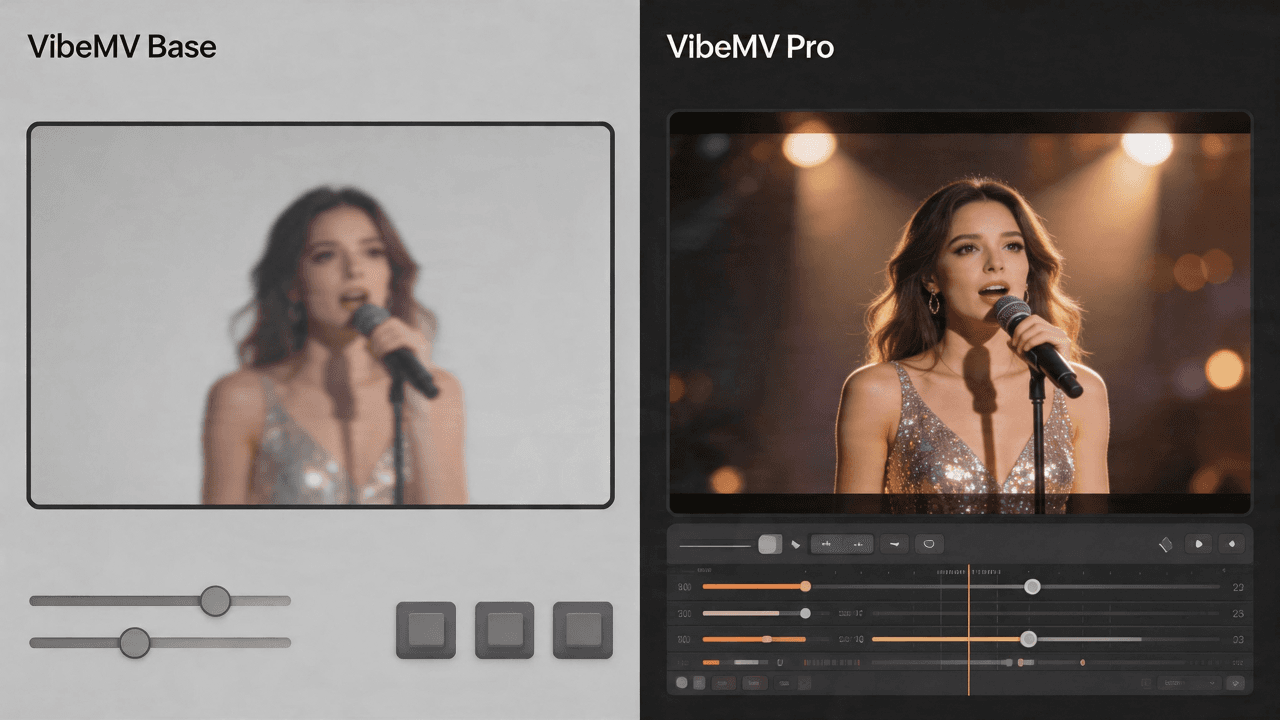
VibeMV Base vs Pro: Which Model Tier Should You Choose?
Not sure if VibeMV Pro is worth 6x the credits? This guide breaks down exactly when Base is enough and when Pro makes a visible difference — with real cost examples.
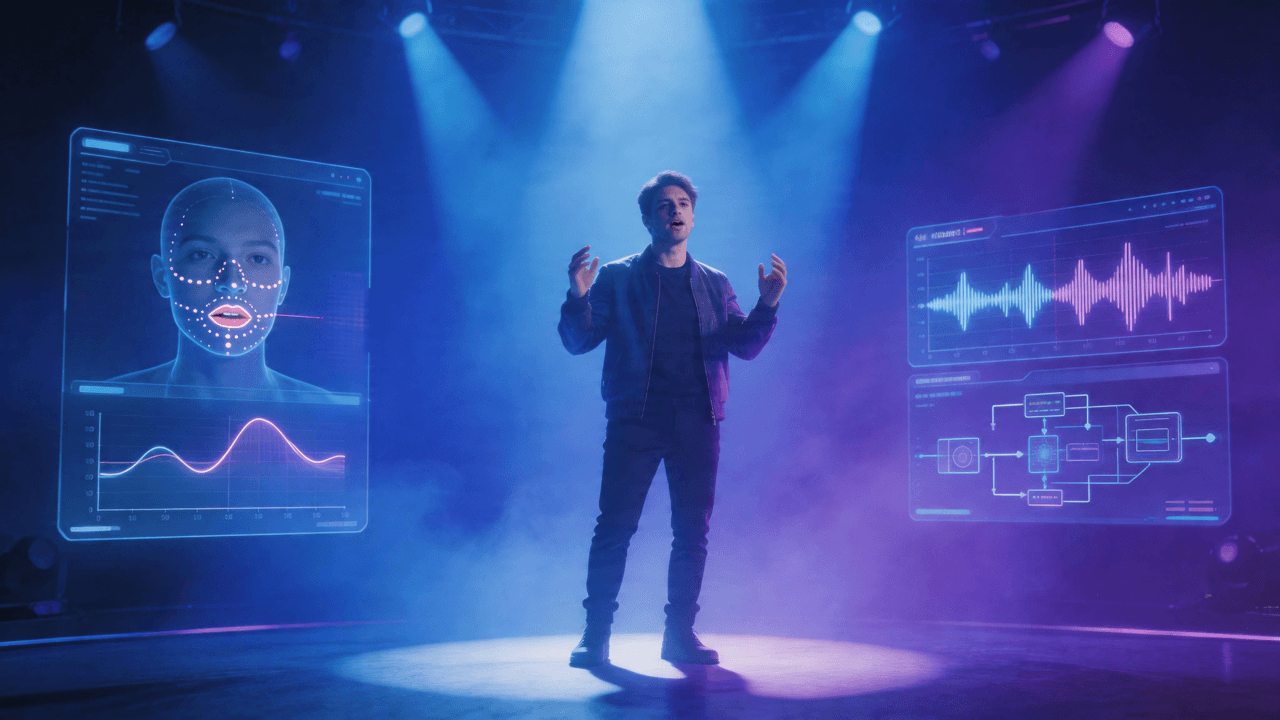
VibeMV Pro Models: OmniHuman-1.5 Lipsync & Kling V3 Pro Explained
VibeMV now offers two model tiers. Learn how OmniHuman-1.5 and Kling V3 Pro deliver full-body lipsync and cinematic video quality — and when the upgrade is worth it.